Skip to content
VeraDial
Product Guide

What Happens After an AI Receptionist Answers a Call?

Answering the ring is only the visible part of an AI receptionist. The real product is the chain that follows: identify the business, understand why the person called, resolve what can be resolved, bring in the owner when needed, and leave behind a record that makes the next action obvious. Here is that call flow from both sides of the phone.

By Graham Thomson · August 28, 2026 · 6 min read

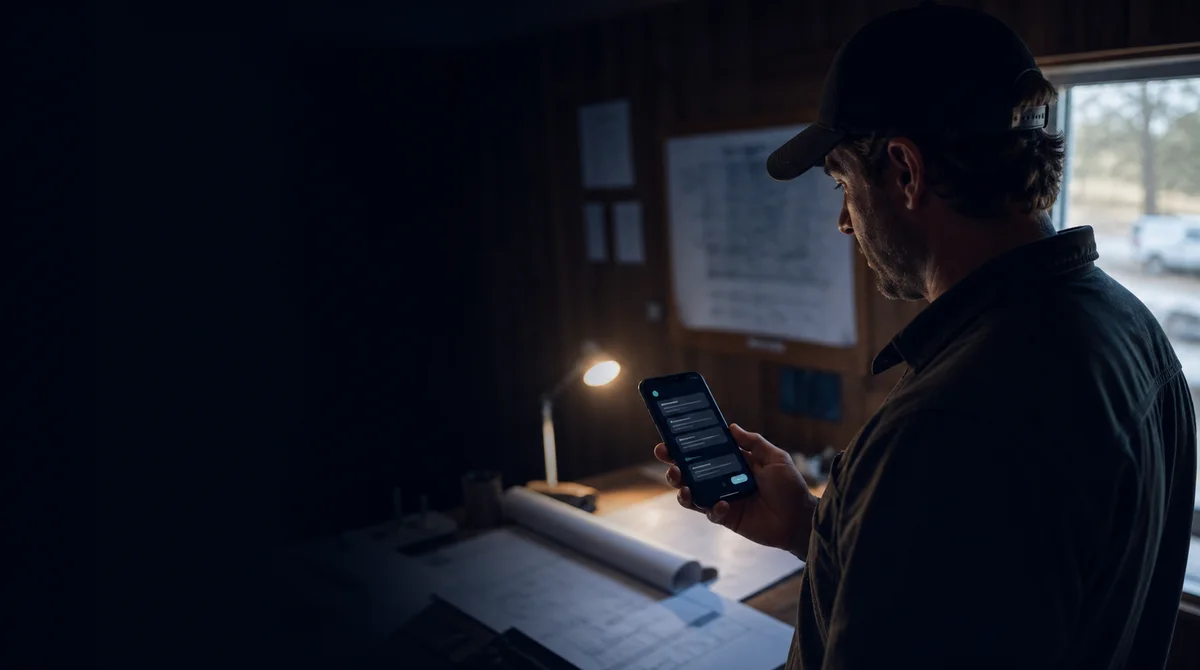
A local service-business owner reviewing a completed receptionist call on a phone in a quiet job-site office.
The short version
  • A useful AI receptionist ends each call in one of three places: connected to you, resolved without interruption, or captured as a clear message.
  • The business profile sets the answers and boundaries before the phone rings; the transcript and summary show exactly what happened afterward.
  • Good call coverage protects your focus without turning the business into a black box: you can review, handle, and archive every receptionist conversation.

Before the ring: the receptionist needs a real business brief

The call starts before anyone dials. An AI receptionist needs the business name, greeting, services, hours, pricing guidance, common questions, booking policy, and the rules for when a person should take over. Without that source, the system is improvising. With it, the conversation has a boundary.

In VeraDial, you can start that profile by pasting your website, then edit it at any time. Each business line can have its own identity and answering behavior, so a second line does not have to pretend it belongs to the first business.

The first seconds: identity before assistance

When Vera answers, the caller hears your custom greeting and is told that Vera is an AI assistant. That disclosure is not a hidden setting. A caller should know which business they reached and what they are talking to before sharing details or making a request.

The receptionist then listens for intent. Someone may be asking about hours, trying to reach you, checking whether you provide a service, or calling with a problem that cannot be handled from the profile. The next step depends on the request, not on a single rigid script.

The three useful outcomes of a receptionist call

A call should not end with the vague fact that it was answered. It should land in one of three operational outcomes.

  • Connect: the caller is real and needs you now, so Vera puts the call through according to the line's answering setup.
  • Resolve: the question is routine and the answer is in the business profile, so the caller gets what they needed without interrupting you.
  • Capture: you are unavailable or the request needs a person, so Vera takes a message with the details required for a useful follow-up.

After the call: notification, transcript, summary, next action

Once the conversation ends, VeraDial sends a notification and places the call in the receptionist inbox. The transcript shows the exchange, and the summary compresses the outcome and the important details. You can review it, mark it handled, or archive it when the work is done.

That record is what turns coverage into control. If a caller asked for a quote, you should see the service and callback details. If the call was resolved, you can confirm what Vera said. If the caller was connected, the summary still gives you context for the conversation that reached you.

Three example paths

Consider a contractor who is working with both hands when the phone rings. A new customer asks whether the company serves her postal code. If the service area is in the profile, Vera can answer and capture the next step. If the customer has an urgent problem that needs judgment, Vera can connect the call. If the contractor cannot take it, Vera can collect a message and leave the callback details in the inbox.

Now consider an after-hours hours-and-location question. That can be resolved without waking anyone up. Or an existing customer asking about a specific invoice: the profile should not contain a private account answer, so the safe outcome is a message for the owner. The same receptionist is useful because the boundary changes with the request.

What the owner should configure and review

Keep the business profile current, especially hours, service area, pricing language, and the questions that should always reach a person. Audition the greeting after editing it. Decide which lines Vera answers and which ring through. Then review early transcripts for wording customers use that your website did not anticipate.

The best setup makes routine calls disappear from your mental queue without making the callers disappear from view. They get a prompt, honest answer; you keep a complete record and step in where human judgment is actually valuable.

FAQ

Does an AI receptionist always transfer the call?

No. A useful receptionist can connect a real caller who needs you, resolve a routine question from the business profile, or take a detailed message when the request needs a person. The correct outcome depends on the line's setup and what the caller asks.

Do I get a transcript after an AI receptionist call?

With VeraDial, you receive a transcript and summary after the call, along with a notification and an item in the receptionist inbox. That lets you verify what was said, identify the next action, mark the conversation handled, or archive it.

What information does an AI receptionist use to answer questions?

Vera uses the business profile you control: services, hours, pricing guidance, FAQs, booking policy, tone, and other details you add. VeraDial can build the initial profile from your website, and you can edit it whenever the business changes.

Graham Thomson, Founder of VeraDial

Graham Thomson

Founder of VeraDial, building verified business calling for small operators. About the founder →

Audio demo

Hear Vera in action.

Play a short sample call, follow the transcript, and move into a personalized live demo when you're ready.

Play the sampleNo download · no signup · start the live demo anytime